




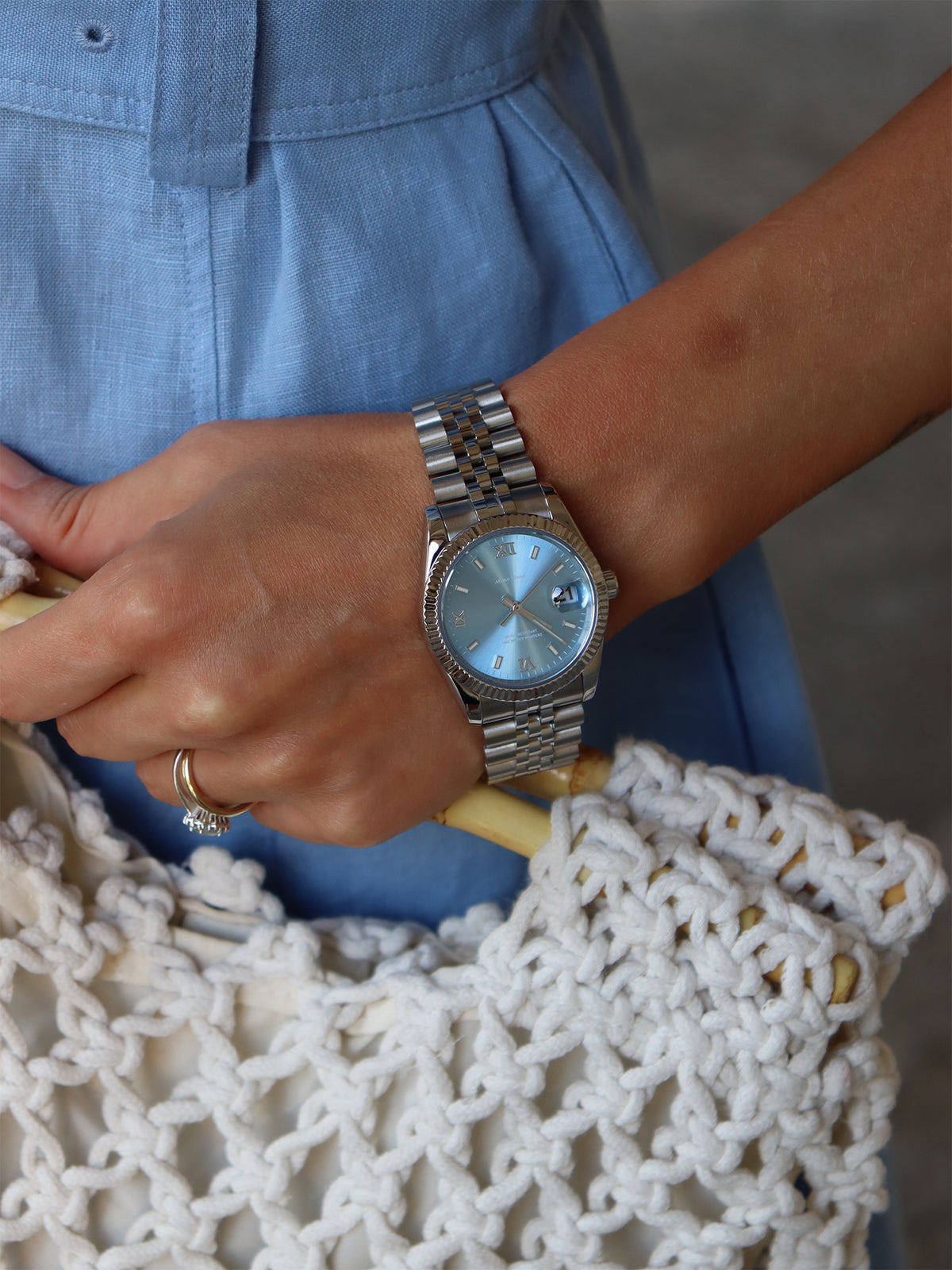
Step 1: Unlock the Crown
Gently press the crown inward and turn it counterclockwise. You will feel and hear a clear click/pop as the crown releases and unlocks from the case.


How to Set Your Mechanical Watch
(Miyota 8215 / NH35 Movements with Screw-Down Crown)
The following steps apply to watches equipped with the Miyota 8215 or NH35 automatic movement. Both movements use the same crown operation.
Important Notes
Do not set the date between 9:00 PM and 3:00 AM. Setting the date during this period may damage the date mechanism.
For safer operation, first move the hands to approximately 6:00 before adjusting the date.
Always screw the crown down fully after setting to maintain water resistance.
Gently press the crown inward and turn it counterclockwise. You will feel and hear a clear click/pop as the crown releases and unlocks from the case.
Gently pull the crown outward to the first position (first stage). Turn the crown counterclockwise to advance the date to the correct day.
Pull the crown outward further to the second position (second stage). Turn the crown to set the correct hour and minute.
After setting is complete, push the crown inward through both stages until it returns to the normal (fully pushed-in) position.
Press the crown inward and turn it clockwise until it is tightly screwed down and locked. This restores the water resistance of the watch.
Gently press the crown inward and turn it counterclockwise until it pops and releases.
The first outward position sets the date. The second outward position sets the time.
Turn the crown counterclockwise while it is in the first position.
No. Avoid setting the date between 9:00 PM and 3:00 AM. It is safer to first move the hands to around 6:00, then set the date.
The watch may lose water resistance. Always press and turn the crown clockwise until it is fully screwed down after setting.
These are automatic movements. Normal daily wear will keep them wound. If the watch has stopped, unlock the crown, turn it clockwise about 20–30 times in the normal position, then lock it again.
